

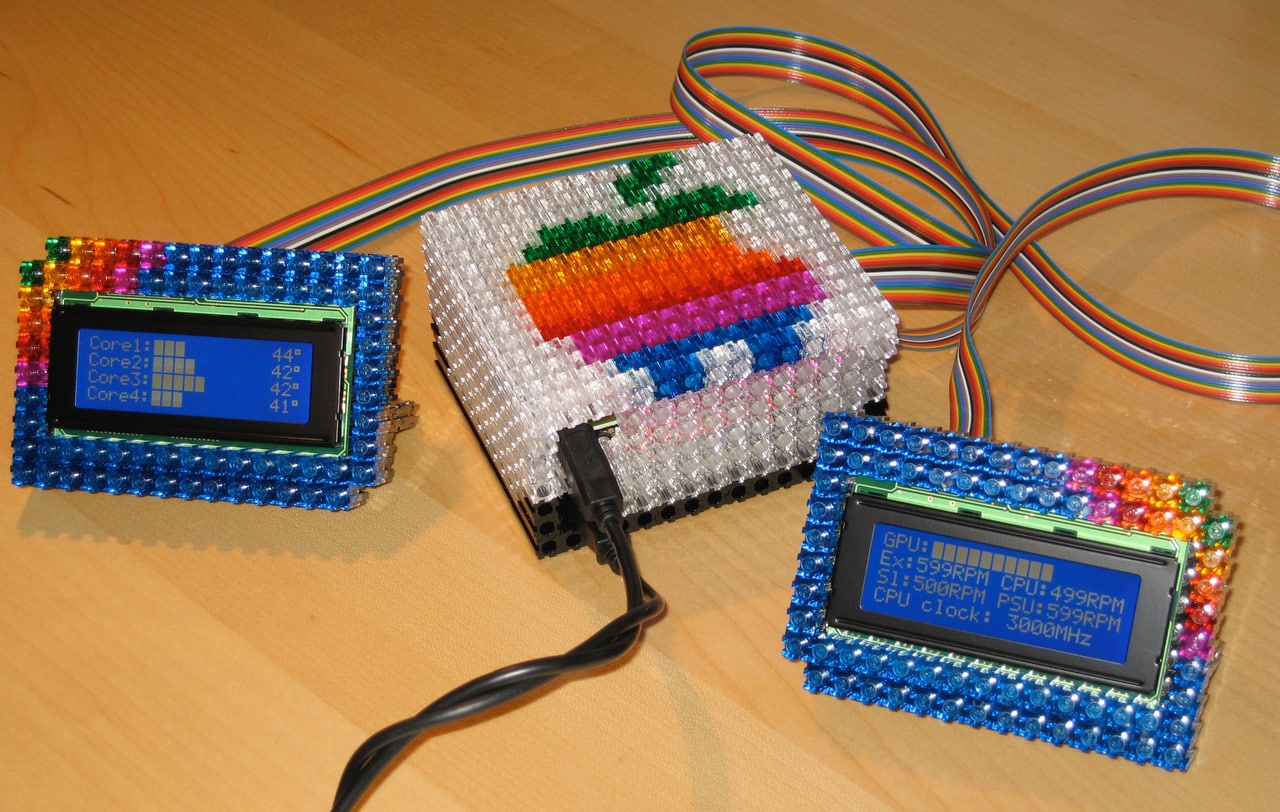
I’ve long used Bresink’s Hardware Monitor to keep a tab on the vitals of various Macs I’ve used in recent years. After upgrading from a dual G5 2.5 to a quad-core Mac Pro, I hit the Hardware Monitor website to grab a Universal version of the app. That’s when I noted that external LCD support had been added to the program. Right now the only officially supported LCD controller is Code Mercenaries’ USB-based IO-Warrior.
I put my order in right away.
This weekend I received both the IO-Warrior 24 [Internet Archive] kit as well as the white-on-blue, LED-lit 4×24 LCD I ordered. I made some free time this afternoon, pulled out the soldering iron, chopped up an old SCSI cable, and got things together. The result is most technoglorious. (See photos.)
See another user’s IO-Warrio project [Internet Archive] involving custom code pushing iTunes and EyeTV data from Mac to LCD.
Next step: construct a balsa wood enclosure painted flat black. Stay tuned.
UPDATE: It wasn’t balsa wood but PixelBlocks that came to the rescue on an enclosure…
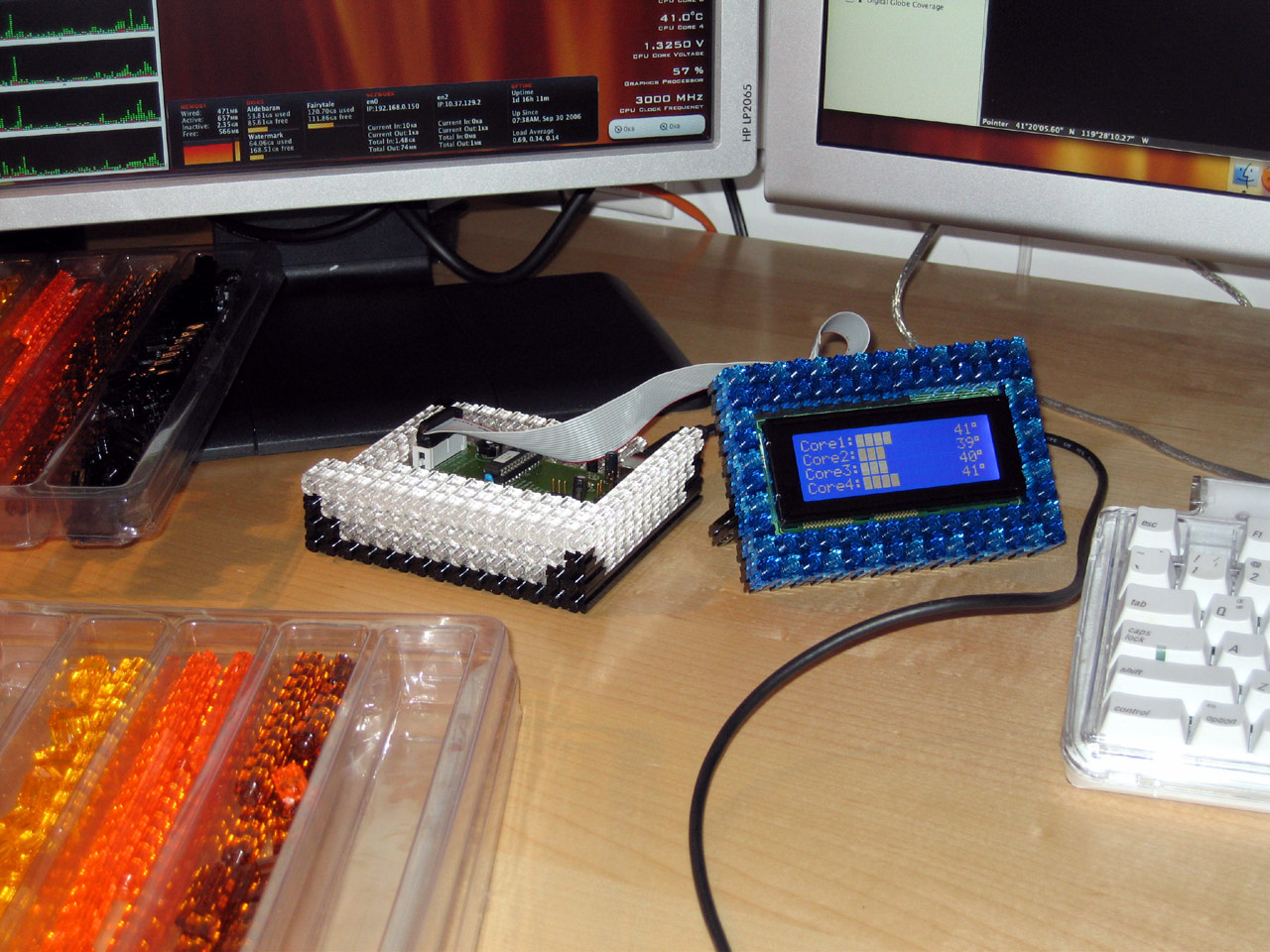
UPDATE: The application that drove this project, Hardware Monitor, was declared end-of-life on June 19, 2017. The applications is still available on the product website and supports Mac OS X 10.2 Jaguar to macOS 10.12 Sierra.
It must be said – unless it is hacked into the case, it has not truly achieved technoglory.
Bah… Pixelblocks totally beat case integration. And they’re right in front of me…not down on the floor in the tower.
blakespot
Neat in concept but putting it’s not elegant in the sense of what people are used to with Macs. Just my opinion but it should all be in 1 enclosure that’s aluminum with a usb port on the back instead.
I’ve just ordered my second IO-Warrior 24 and 20×4 LCD to make a 2nd status LCD, to be driven by Hardware Monitor. Additional stats (GPU utilization, System clockspeed (it varies), drive temp, etc.)
blakespot
your set up looks really nice although quite expensive. i’ve been using another method from this website http://home.sandiego.edu/~epooch/cgi-bin/blosxom.cgi/tech/leds
you might find it interesting as it has good growl support if you use growl on your mac
Robbie